
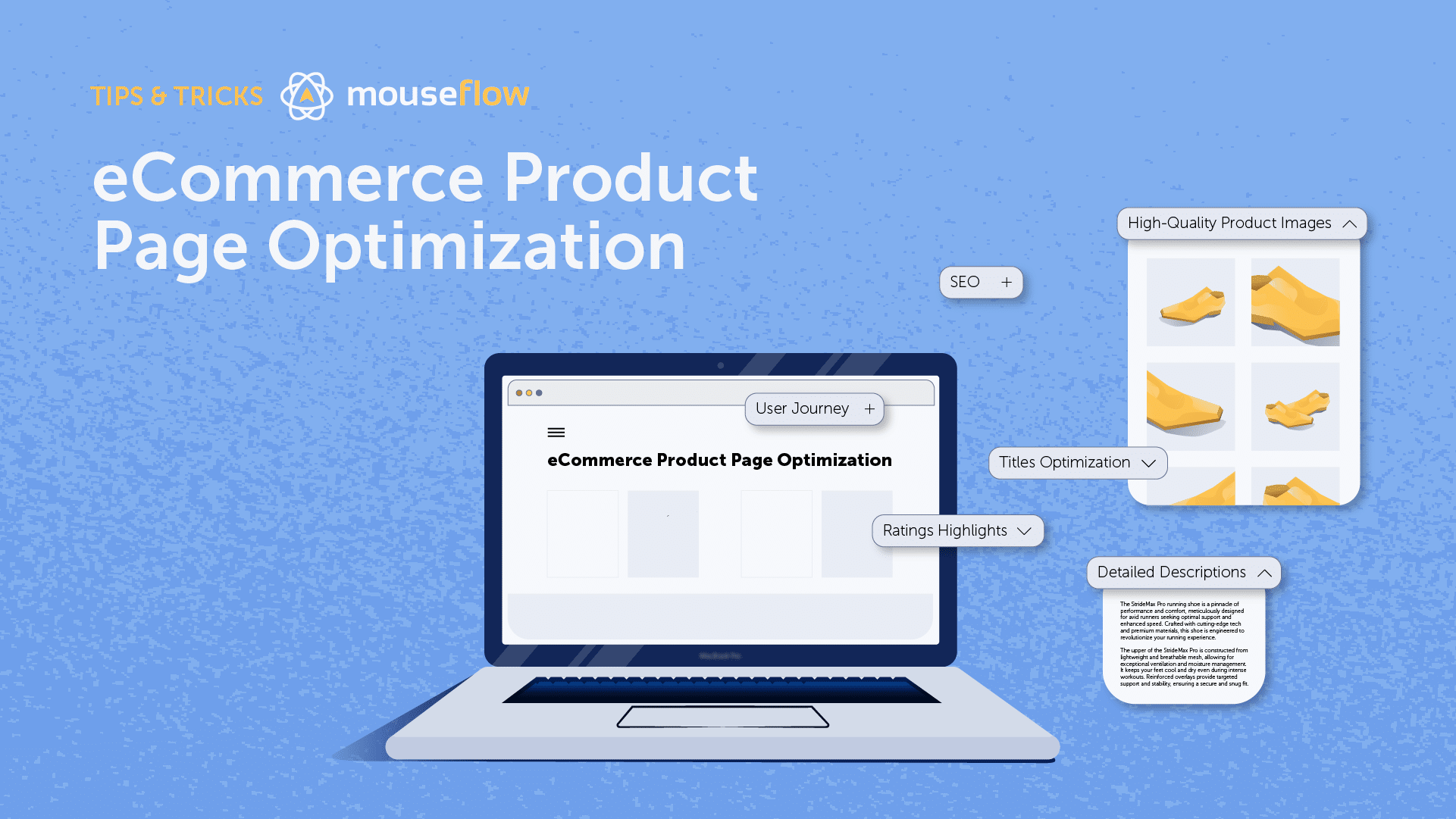
Product Page SEO: How to Help Your Products Get Found
A well-optimised product page can do more than describe what you sell. It can help shoppers discover your products through search engines, answer their questions and make it easier for them to buy. Product page SEO brings together useful content, sound technical foundations and a smooth shopping experience.
Whether you run a small online shop or manage a large ecommerce catalogue, the principles are similar: make each page clear, distinctive, accessible and useful to both people and search engines.
What is product page SEO?
Product page SEO is the process of improving individual product pages so they can appear for relevant searches and provide a good experience once visitors arrive. It includes on-page elements such as titles and descriptions, as well as technical factors such as page speed, mobile usability and structured data.
Good SEO does not guarantee a particular ranking. It does, however, make it easier for search engines to understand your pages and for potential customers to decide whether a product meets their needs.
Research the searches your customers make
Start by understanding how people search for your products. They may use a product name or model number, but they may also search by brand, material, size, intended use, colour or a problem they want to solve.
Use keyword research tools, your site’s internal search data, customer questions and search engine results to identify relevant phrases. Look for specific, descriptive searches as well as broader terms. For example, someone searching for “waterproof walking boots for women” may have a clearer purchase intent than someone searching simply for “boots”.
Choose a primary topic for each product page, then include closely related terms naturally where they help explain the product. Avoid forcing keywords into every sentence or targeting the same phrase on several pages without a clear reason.
Write clear title tags and page headings
The title tag helps describe a page in search results and browser tabs. Make it distinctive and accurate, placing the most useful product information near the beginning. Depending on the product, this might include its name, brand, model, key feature or intended use.
For example, a title such as “TrailPro Women’s Waterproof Walking Boots | Example Shop” is more informative than “Boots | Example Shop”. Keep titles natural and avoid repeating the same keywords unnecessarily.
Use one clear main heading, usually an h1, that identifies the product. Supporting headings can organise details such as specifications, delivery information and care instructions.
Create original, useful product descriptions
Product descriptions should help shoppers understand what they are buying. Manufacturer copy may be convenient, but if many retailers use the same wording, your page has little distinctive information. Write original descriptions that reflect the product and your customers’ needs.
A helpful description may cover:
- What the product is and what it is designed to do
- Its most important features and practical benefits
- Materials, dimensions, compatibility or technical specifications
- Who it is suitable for and any relevant limitations
- How to use, maintain or care for it
- What is included in the package
Put the most important information where it is easy to find. Concise opening copy can introduce the product, while expandable sections or lower-page content can provide more detail. Avoid vague claims and only make statements you can support.
Optimise product images
Images help people assess a product, but large or poorly prepared files can slow down a page. Use clear, high-quality images that show the product from useful angles. Where appropriate, include close-ups, scale references, lifestyle images and a demonstration video.
Compress image files without noticeably reducing quality, use suitable modern formats where supported, and provide descriptive file names. Add concise alternative text that explains the image for visitors using assistive technology. For example, “Black leather ankle boot, side view” is more useful than “image123”. Decorative images can have empty alternative text.
Make product details easy to compare
Shoppers often want to compare features before they buy. Present important specifications in a consistent, scannable format. Depending on the product, include details such as dimensions, weight, ingredients, power requirements, sizing, materials or warranty information.
For products with sizes, colours or other variants, make the available options clear. Ensure that selecting an option updates the relevant price, image, stock status and product details accurately. If each variant has its own URL, decide whether those pages should be indexed individually or whether a main product page should represent the range.
Help search engines understand the product
Structured data is code that provides search engines with information about a page. Product structured data can describe details such as the product name, images, price, availability and reviews. Accurate markup may make a page eligible for enhanced search result features, although displaying those features is not guaranteed.
Use structured data that matches the information visible on the page. Keep prices and stock status up to date, and do not mark up reviews or ratings that are not genuinely available to users. Validate your implementation with appropriate testing tools and check for errors after changes to your site.
Handle duplicate and similar pages carefully
Ecommerce sites can create many URLs for the same product through filters, sorting options, tracking parameters and product variants. This can make it harder for search engines to identify which version should be indexed.
Review how your site generates URLs. Use canonical tags where appropriate to indicate the preferred version of a page, and prevent unnecessary parameter-based URLs from being indexed when they offer no distinct value. Do not automatically combine every similar page: a variant may deserve its own page if it has distinct search demand and genuinely useful, unique content.
Also make sure product pages are reachable through your site’s internal links. When a product is discontinued, consider whether it should remain available, redirect to a close alternative or return an appropriate status code. The right choice depends on whether the product is returning, whether a suitable replacement exists and whether the page still serves visitors.
Improve speed and mobile usability
Many people browse and buy on mobile devices, so product pages should work well on smaller screens. Check that text is readable, buttons are easy to tap, images fit the screen and key information is not hidden behind difficult interactions.
Page speed matters to visitors and is part of the wider experience of a site. Optimise images, limit unnecessary scripts and review third-party tools such as chat widgets and advertising tags. Test important pages on real devices as well as with performance tools, paying attention to the parts of the page customers need most, such as product options and the add-to-basket button.
Use reviews and customer questions responsibly
Genuine customer reviews can help shoppers make informed decisions by answering practical questions that a standard description may not cover. Make it easy for customers to leave feedback, display reviews clearly and follow relevant consumer protection rules. Do not create, alter or selectively present reviews in a misleading way.
Frequently asked questions can also improve a product page when they address real customer concerns. Useful answers might explain sizing, compatibility, delivery, returns or product care. Keep the information accurate and avoid adding generic questions solely to include extra keywords.
Link products into your wider site
Internal links help visitors discover related products and help search engines find pages across your site. Link to product pages from relevant categories, buying guides and editorial content. Use descriptive link text that makes the destination clear.
Related products, suitable accessories and alternatives can support product discovery, but recommendations should be genuinely relevant. Make sure important products are not buried so deeply that visitors and search engines struggle to reach them.
How to measure product page SEO
Measure performance using a combination of search, traffic and business data. Useful indicators include:
- Search impressions, clicks and average positions for relevant queries
- Organic visits to individual product pages
- Add-to-basket and purchase rates from organic visitors
- Revenue and average order value from organic search
- Page speed, mobile usability and indexing issues
- Changes in stock, availability and product variant performance
Review results over time rather than reacting to small, short-term fluctuations. When a page is underperforming, check whether it matches the search intent, provides enough useful information, loads reliably and is still available to buy.
Product page SEO checklist
- Each product has a clear, descriptive title tag and main heading.
- The description is original, accurate and useful to customers.
- Images are clear, compressed and described appropriately.
- Price, availability and product options are easy to understand.
- Structured data reflects the information visible on the page.
- Duplicate URLs and product variants are managed consistently.
- The page works well on mobile and loads efficiently.
- Relevant internal links lead to the product page.
- Customer reviews and product claims are genuine and transparent.
- Performance is monitored using search and sales data.
Conclusion
Effective product page SEO starts with making the page genuinely helpful. Clear descriptions, useful images, accurate product information and a reliable mobile experience benefit shoppers while giving search engines a better understanding of what you offer. Combine those foundations with thoughtful keyword research, sound technical decisions and regular performance checks to build product pages that are easier to discover and easier to buy from.
6 Essential Product Page SEO Tips to Boost Visibility and Clicks
- Write unique, descriptive titles for every product page.
- Use clear product names and relevant keywords naturally.
- Add concise meta descriptions that encourage clicks.
- Include detailed, original product descriptions.
- Use descriptive image alt text and compressed images.
- Add product structured data for price, availability and reviews.
Write unique, descriptive titles for every product page.
Write a unique, descriptive title for every product page so shoppers and search engines can quickly understand what it offers. Include the product name and, where useful, details such as the brand, model, size or key feature. Clear titles help distinguish similar products and can make your pages more relevant to specific searches. Keep them natural and accurate, rather than repeating keywords or using the same generic title across multiple pages.
Use clear product names and relevant keywords naturally.
Use clear, descriptive product names that tell shoppers exactly what an item is and help search engines understand the page. Include relevant keywords naturally, such as the brand, model, material or intended use, where they accurately describe the product. Avoid awkward repetition or keyword stuffing: a straightforward name that is easy to read is more useful than one crammed with search terms.
Add concise meta descriptions that encourage clicks.
Write a concise meta description for each product page that accurately summarises the item and gives searchers a reason to visit. Highlight a useful benefit, distinctive feature or relevant detail, and use clear, natural language that reflects the page content. Avoid keyword stuffing and vague claims, as search engines may generate a different snippet. A compelling description can make your listing more appealing, although it does not guarantee higher rankings.
Include detailed, original product descriptions.
Write detailed, original product descriptions that explain what the item does, who it is for and what makes it useful. Include practical details such as materials, dimensions, compatibility, care instructions and what comes in the packaging, where relevant. This helps customers make informed decisions and gives search engines distinctive, relevant information to understand the page. Avoid copying manufacturer text or cramming in keywords; focus on clear, accurate details that answer real customer questions.
Use descriptive image alt text and compressed images.
Use clear, descriptive alt text to explain what each product image shows, such as “navy waterproof jacket with a hood, front view”. This helps people using screen readers understand the image and gives search engines useful context. Compress image files to reduce their size without noticeably affecting quality, helping product pages load faster—particularly on mobile devices. Together, these practices support accessibility, user experience and product page SEO.
Add product structured data for price, availability and reviews.
Add product structured data to help search engines understand key details such as price, stock availability and customer reviews. Make sure the markup is accurate, kept up to date and reflects information visitors can see on the page. Genuine, correctly marked-up data may make your product eligible for enhanced search results, although display is not guaranteed.