
Local Website Optimisation: A Practical Guide for UK Businesses
When people need a nearby service, they often turn to a search engine. They might look for a plumber in Bristol, a café near Manchester Piccadilly or an accountant in Cardiff. Local website optimisation helps your business appear for these searches and gives potential customers the information they need to choose you.
It is not simply a matter of adding a town name to every page. Effective local optimisation combines useful website content, accurate business details, a strong mobile experience and signals that help search engines understand where and how you operate.
What is local website optimisation?
Local website optimisation is the process of improving your website and online presence so that your business is easier to find in relevant searches with local intent. These searches may include a location, such as “electrician in Leeds”, or imply proximity, such as “electrician near me”.
It can support visibility in standard search results and local search features, including map listings. Rankings depend on many factors, and no particular position can be guaranteed. The goal is to make your business relevant, trustworthy and easy to contact for people in the areas you serve.
Make your location and service area clear
Start with the basics. Make it easy for visitors and search engines to understand what your business does and where it operates.
- Display your business name, address and telephone number consistently where appropriate.
- State your service area clearly if you travel to customers or operate across several locations.
- Include opening hours and relevant contact details.
- Explain whether customers can visit your premises, book an appointment or receive a service at home.
If you serve multiple towns or cities, create location pages only where you can offer genuinely useful, distinct information. Avoid publishing near-identical pages that differ only by place name. These can frustrate visitors and provide little value.
Optimise your key pages for local searches
Each important page should explain its subject clearly. Use natural language in page titles, headings and copy to describe your services and relevant locations. For example, a title such as “Emergency Plumbing in Bristol” is more informative than a vague heading such as “Our Services”.
Focus on the terms customers are likely to use, but write for people first. A service page should explain what you offer, who it is for, the areas covered and what customers can expect next. Include a clear way to call, enquire or book.
Useful local content might include:
- Detailed pages for your main services
- Genuine information about the neighbourhoods or areas you cover
- Answers to common questions from local customers
- Case studies or project examples, shared with permission
- Practical guidance relevant to your customers and region
Keep your business information consistent
Search engines and customers benefit from accurate, consistent business details. Check that your business name, address, telephone number and website URL match across your website and relevant online directories.
If your details change, update your website and key listings promptly. Take particular care with old addresses, duplicate listings and outdated telephone numbers, as these can confuse potential customers.
Use Google Business Profile effectively
For eligible businesses, Google Business Profile can help people find key information in Google Search and Maps. Complete the profile as fully as possible, choose accurate categories, add current opening hours and link to the most relevant page on your website.
Keep photos and service information up to date, and respond professionally to reviews. Your profile should reflect the real business and its actual location or service area. Do not use a virtual office or an address where customers are not served as though it were a staffed business premises.
Build trust with reviews and proof
Reviews can help customers assess whether a business is right for them. Invite customers to share honest feedback, and respond courteously to both positive and negative reviews. Never buy reviews or pressure customers to leave a particular rating.
Your website can also build confidence by showing relevant qualifications, guarantees, memberships, clear policies and authentic examples of your work. Make sure any claims are accurate and can be substantiated.
Improve the mobile experience
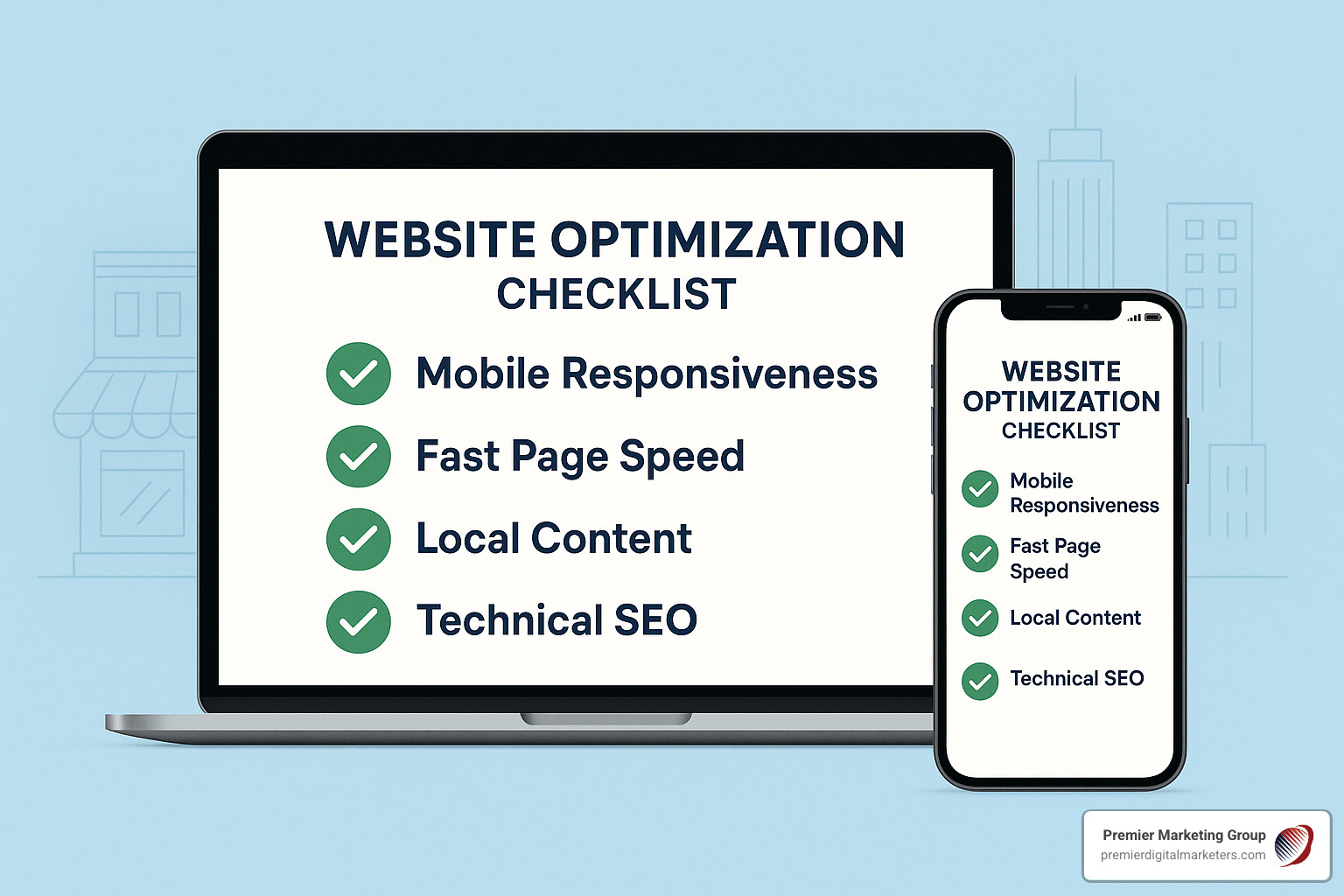
Local searches often happen on mobile devices, sometimes when a customer needs help quickly. Your website should be easy to use on a small screen, with readable text, simple navigation and buttons that are easy to tap.
Make essential actions obvious. A visitor should be able to find your telephone number, address, opening hours or booking option without searching through several pages. Test the site on different devices and connections, not just on a desktop computer.
Pay attention to speed and accessibility
Slow or difficult-to-use pages can discourage visitors. Optimise images, remove unnecessary scripts and use reliable hosting. Regularly check important pages for loading issues, broken links and technical errors.
Accessibility matters too. Use descriptive link text, clear headings, sufficient colour contrast and alternative text for meaningful images. A website that works for more people is generally easier for everyone to use.
Add structured data where appropriate
Structured data is code that helps search engines interpret information on a page. A local business may be able to use relevant LocalBusiness structured data to describe details such as its name, address, telephone number and opening hours.
Structured data must match the visible, accurate information on your website. It can help search engines understand your business, but it does not guarantee enhanced search results or higher rankings. Validate the markup and keep it up to date.
Measure what is working
Use analytics and search performance tools to understand how people find and use your website. Useful measures include organic visits, enquiries, calls, booking completions and visits to key service or location pages.
Where possible, track meaningful actions rather than focusing only on rankings or traffic. A rise in visits is valuable only if it helps your business reach the right potential customers.
A sustainable approach to local optimisation
Local website optimisation works best as an ongoing process. Review your business details, update pages when services or coverage change, monitor customer feedback and improve the experience based on real questions and behaviour.
By providing clear local information, useful content and a reliable website experience, your business can make it easier for nearby customers to discover you, understand what you offer and take the next step.
Top 5 Tips for Optimising Your Website for Local Audiences
- Add your town or area to key page titles.
- Keep your business name, address and phone number consistent.
- Create a clear Google Business Profile link.
- Add local customer reviews to your website.
- Make contact details easy to find on mobile.
Add your town or area to key page titles.
Add your town or service area to the titles of key website pages to help visitors and search engines understand where you operate. For example, “Roof Repairs in Leeds” is more specific than “Roof Repairs” and may be more relevant to people searching locally. Keep titles clear and natural, and only include locations you genuinely serve.
Keep your business name, address and phone number consistent.
Keep your business name, address and phone number (NAP) consistent across your website, Google Business Profile and relevant online directories. Use the same spelling, formatting and contact details wherever they appear, and update them promptly if anything changes. Consistent information helps customers contact or visit you with confidence, while reducing the risk of confusion when search engines match your business details across the web.
Create a clear Google Business Profile link.
Add a clear link to your Google Business Profile on your website, using descriptive text such as “Find us on Google” or “View our Google Business Profile”. Place it somewhere visitors can easily spot, such as your contact page or website footer, and check that it opens the correct profile. This makes it simpler for customers to view your location, opening hours, contact details and reviews, while helping them confirm they have found the right business.
Add local customer reviews to your website.
Display genuine reviews from local customers on your website to help visitors understand the experience you provide and build confidence in your business. Place relevant feedback on service or location pages, and include the reviewer’s first name or area only with their permission. Keep reviews accurate and unaltered, follow applicable privacy rules, and make it easy for customers to leave honest feedback. Reviews can strengthen trust and add useful local context, but they should complement—not replace—clear information about your services.
Make contact details easy to find on mobile.
Make your contact details easy to find on mobile, where visitors may be looking for help while on the move. Display your phone number prominently and make it tap-to-call, with your address, opening hours and email or enquiry link easy to access too. Clear, well-placed contact information helps potential customers get in touch quickly without having to search through your website.